
Macros
for Xactimate
XACTIMATE TOOLS
GET THE XM8 MACROS
We all know that Using Xactimate can be challenging from time to time. XactimateMacros.co can help you with writing your Estimates fast and easy. We have 3 different tools to assist you in the creation of Xactimate macros. Used by Professional Adjusters and Contractors, our prebuilt macros allow you to import them right into your Xactimate Estimate. We also have an EXE Macro with over 2000 line items to create your own Macros. Plus, we have these in an easy to read “Clutter Free” PDF Format, for easy reading.
1. MACROS
2. INDIVIDUAL LINE ITEMS.
3. ALL IN PDF FORMAT
PRICING plan
PDF Line Items
ESX Room Macros
ESX Line Items
FAQs
You will receive an email from our distribution partner (e-junkie.com) with the download link in it. After you open the email, you just click on the link in the email, and the software will automatically download it to your computer.
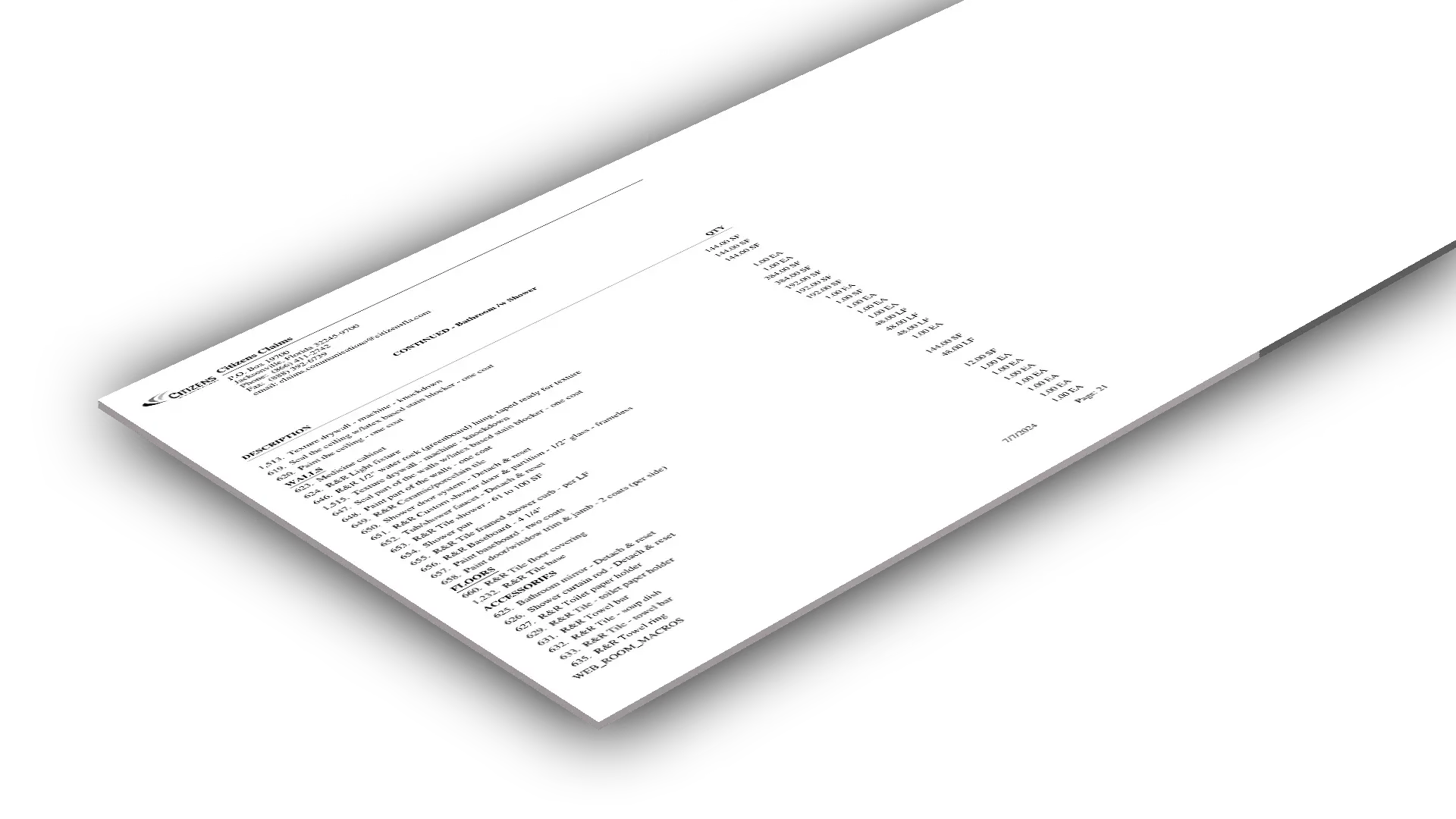
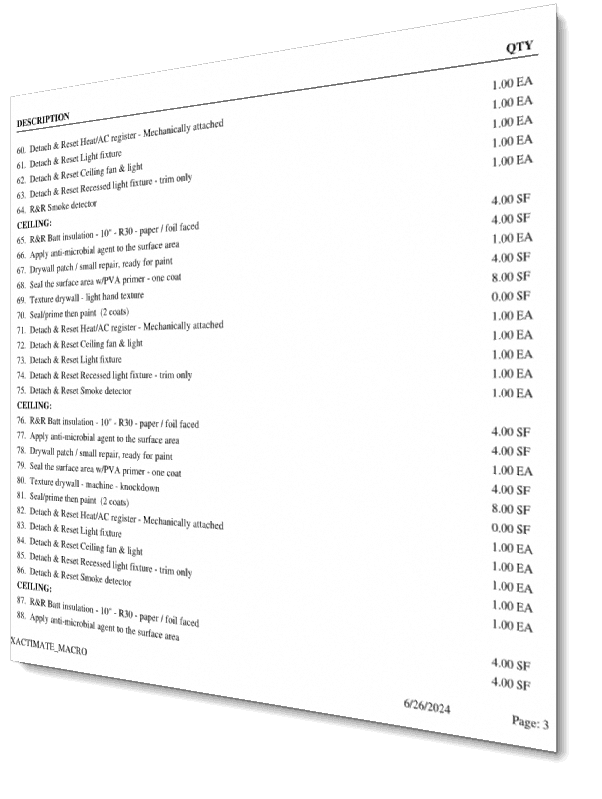
The PDF is a categorized list of all the line items that are most popular, and most used by Adjusters and Contractors for creating the estimates. This PDF allows the User to quickly scan and search line items without sifting thru Xactimate to try and find line items. This PDF is free from clutter and saves you time. With the PDF, you wont see all the standard information (Coverage Type, Calculation. Quantity, Units, Unit Price, Sales Tax, RCV, Depreciation, ACV, PWI, Item Amount, Total, Category Code, Selector Code, Etc.,…. Etc.) that is always shown in an ESX file.
Anyone that has less than 5 years’ experience in this field, this tool is a must. It allows you to dive into Xactimate to see all of the available line items that are mostly used. Xactimate has over 27,000-line items, and searching thru them could be time consuming and confusing. The PDF will also help you understand the major components of an estimate as well as learn how buildings are put together.
You will get every line item that is listed in the Both the “Room Macros” ESX as well as the ESX “Line Item” ESX file? There is a total of over 1500 line items.
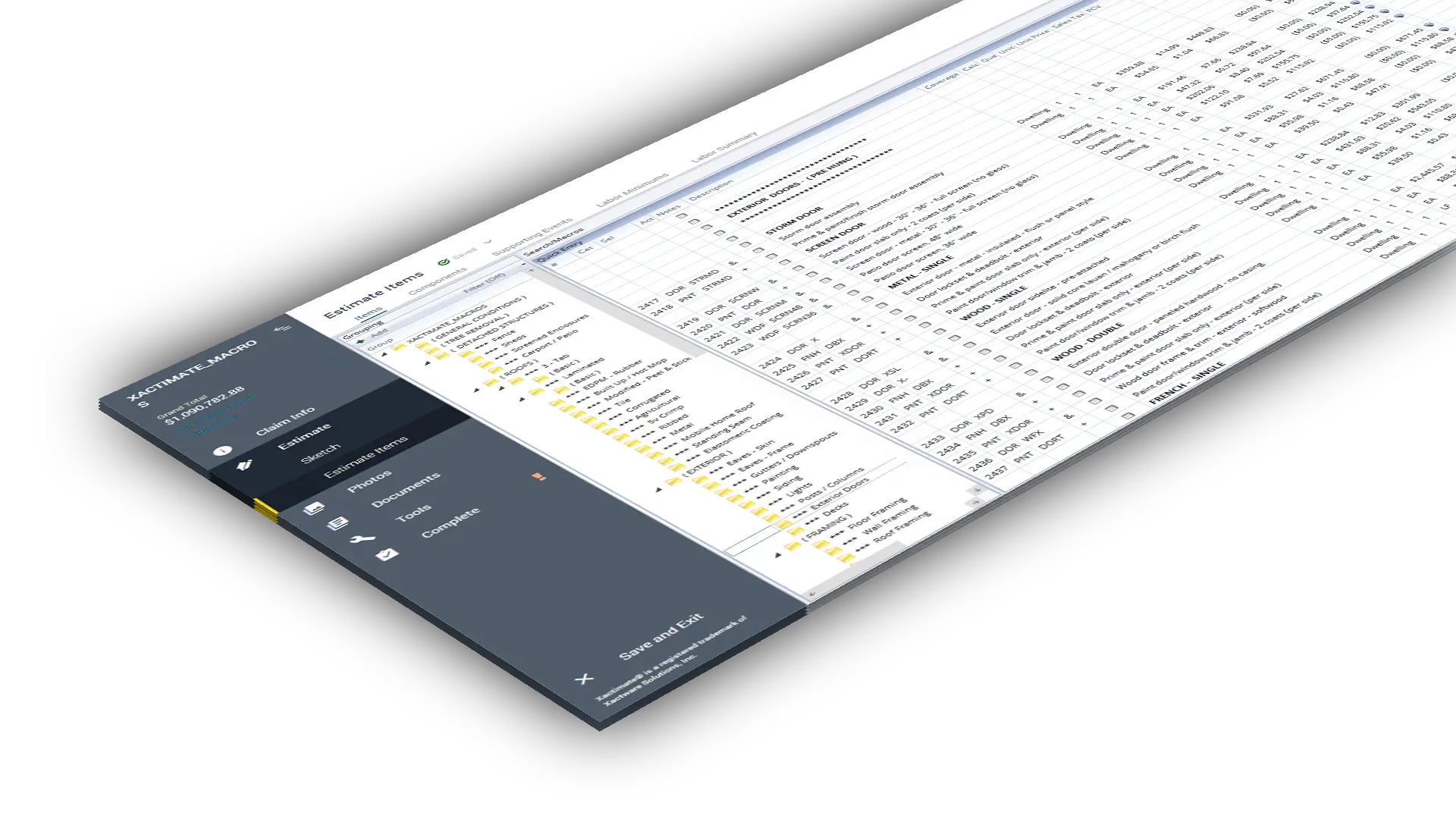
An ESX file is a Zip-compressed archive that contains an insurance claim / estimate created by Xactware Xactimate. It stores insurance claim estimate information, such as dates, images, policy information, damages, deductibles, and estimated cost. ESX files are used for saving and filing insurance claims. Your Adjusting Company will send these files to you thru Xactimate. You treat is just like any other file, but it is only readable with an Xactimate Software. You can also import it manually as described below.
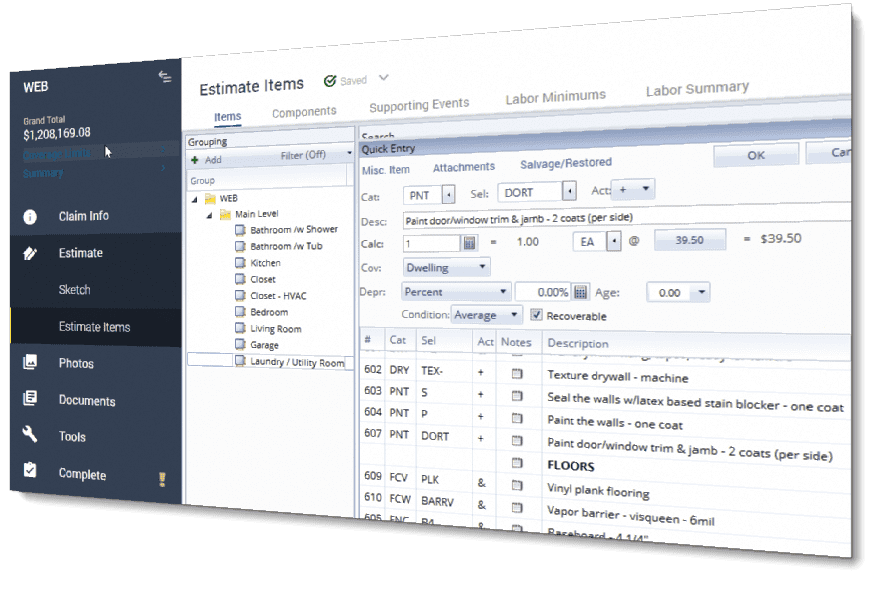
We include Macros for the Bedrooms, Dining Room, Kitchen, Bathrooms, Laundry Room, Living Room, Garage, Closet, as well as the Roof. A total of 9 individual macros.
Yes, you can buy any Macro individually, or you can buy the entire set in a BUNDLE and take advantage of the BIG DISCOUNT!
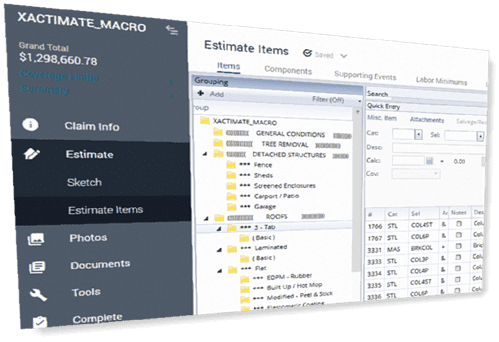
This ESX file is used for creating your own detailed Macros. You can also use it to create your estimates as well. Instead of searching for line items in Xactimate, most use our ESX Line Items. Since all line items are in Categories, drag and drop is a fast and efficient way to create your macros/estimates. Most Users usually have the XACTIMATE estimate window open, and next to it they have our #3- (ESX Line Items) window opened to do the drag/drop. This type of system is excellent for Beginner, Intermediate, and Advances Users!